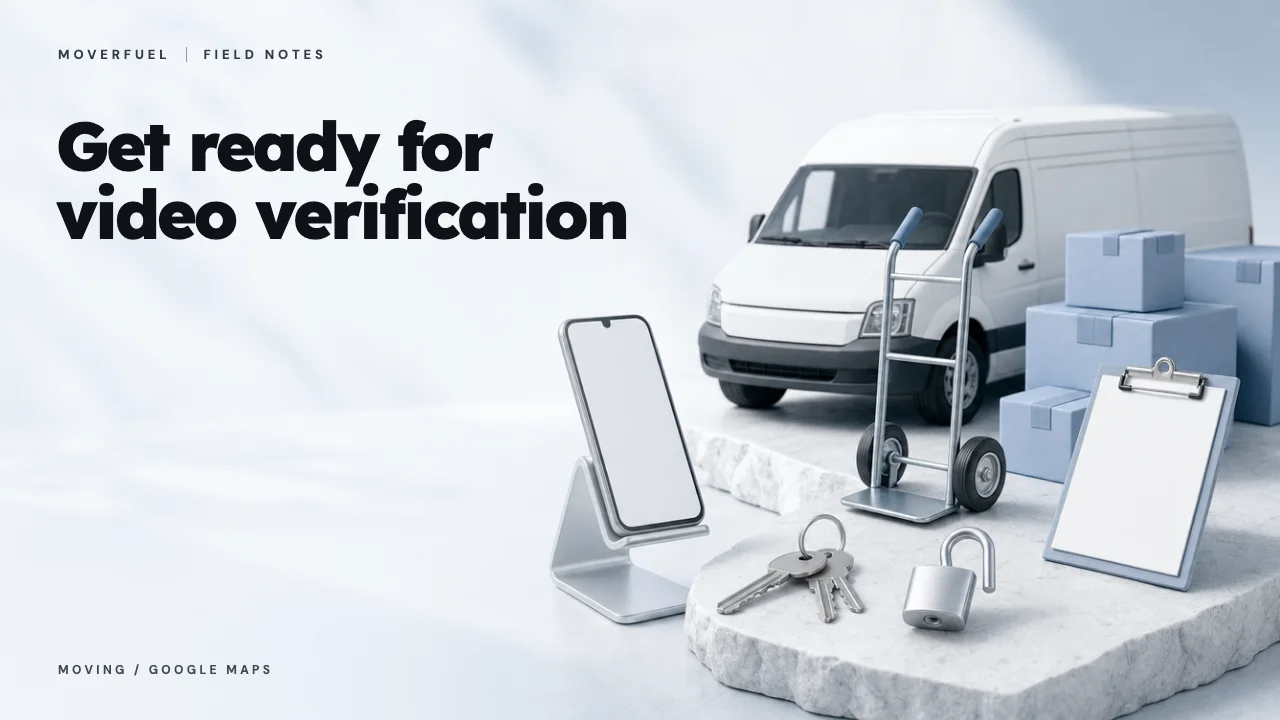
Verification is easier to prepare for when the person holding the phone knows what the video must establish. For a moving business, the challenge is connecting a real operating location, genuine equipment and authority to manage the company in one coherent recording. Plan that evidence before opening the recording flow.
 View full-size graphic ↗
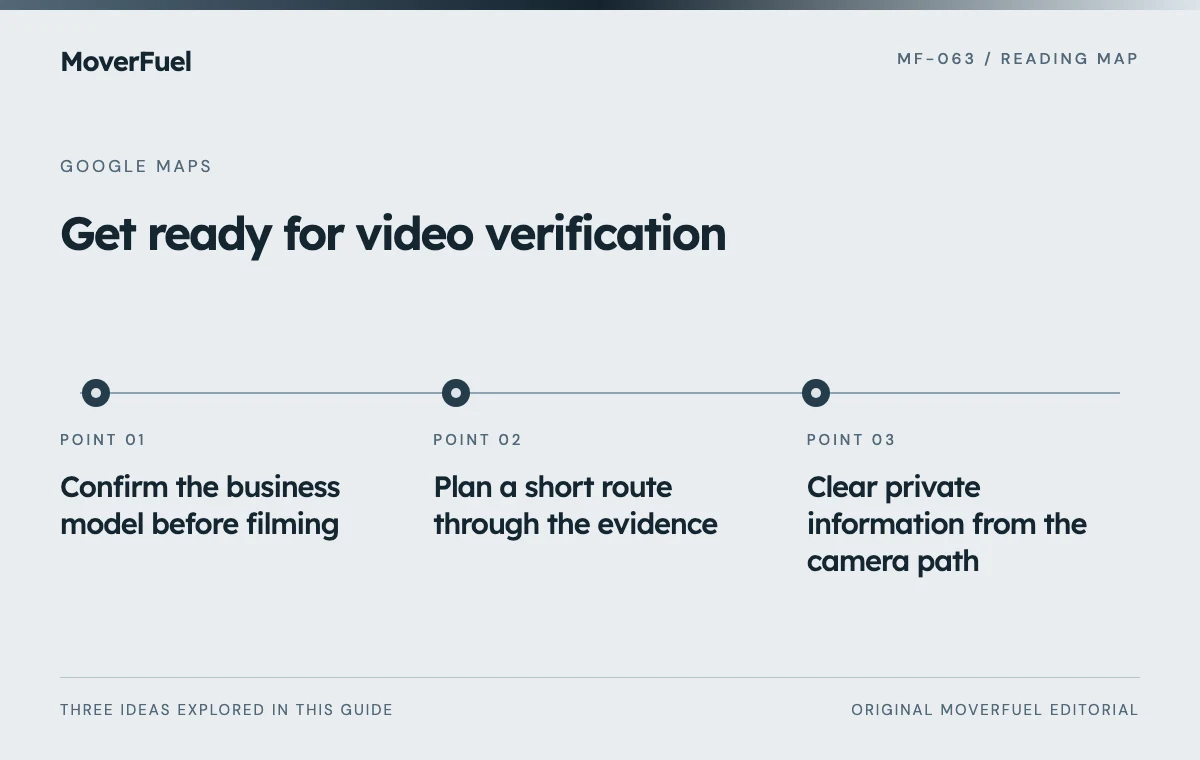
Confirm the business model before filming
Decide whether customers are actually served at the business address or whether crews travel to them. A dispatch office, parking yard and public customer reception area serve different purposes. Your recording should demonstrate the operating model represented by the profile, not disguise one as another.
If the address display is uncertain, resolve service areas versus physical locations first. A polished video cannot compensate for an inaccurate profile.
Ask the owner to review the profile name and operating details against the evidence that will be visible. If truck branding uses an old trading name, investigate the discrepancy before submission. Keep the legitimate history available; do not manufacture signage or documents solely to make an inconsistent account appear eligible.
Plan a short route through the evidence
Google’s instructions call for a live, uninterrupted and unedited recording made through the Business Profile on a mobile device, lasting at least 30 seconds. The evidence should establish location, the existence of the business and management authority. Requirements differ for storefront and service-area operations. [1]
Scroll the table horizontally to compare all columns.
| Purpose | Possible real evidence | Preparation question |
|---|---|---|
| Locate the operation | Street marker, nearby landmark or building identifier | Can the route establish where the recording takes place? |
| Show the working business | Moving equipment, branded vehicle or workspace | Is this current equipment used by this company? |
| Demonstrate authority | Authorized access to a branded vehicle or restricted workspace | Can the recorder safely demonstrate control? |
| Connect the identity | Accurate business branding or permitted documentation | Does it agree with the profile? |
Walk the route without recording first. Check locked gates, lighting, mobile reception and whether equipment will be available when the owner arrives. A moving truck that leaves for a job ten minutes before recording can turn a simple task into a rushed attempt with missing evidence.
Keep normal operations safe
Choose a quiet time and remain clear of loading activity. Do not operate machinery, climb into unsafe positions or ask a driver to film while moving a vehicle. The objective is understandable evidence, not a dramatic tour of the warehouse.
Clear private information from the camera path
Google excludes sensitive identifiers, private information and other people’s faces from the verification recording. Review the scene before starting so the uninterrupted video can satisfy that requirement without later editing. [1]
A dispatch board can reveal customer names, origin and destination addresses, access codes or move dates. Packing labels may expose the same information. Use an area where those details are not visible. Avoid opening customer records merely to demonstrate that a system exists.
Scroll the table horizontally to compare all columns.
| Item | Practical action |
|---|---|
| Customer paperwork | Remove it from the camera path |
| Screens and boards | Close or cover private operating details before filming |
| People nearby | Choose a route and time that avoid filming faces |
| Business documents | Use only relevant permitted evidence without exposed sensitive numbers |
Have the authorized person complete the live flow
The person recording should have legitimate account access, understand the business and be able to open the relevant areas. An agency can help plan the evidence, but should not simulate physical control or ask for a shared password. Confirm access before the scheduled recording time.
Follow the current instructions shown in the account. Review the captured video for completeness before submitting. Record the submission date and keep a concise internal note of the evidence shown. A checklist entry such as ‘submitted’ is more useful when it includes the responsible person and the next status-check date.
Avoid promising an exact completion date to sales or management. Until the result is confirmed, keep existing customer contact paths working and avoid making unrelated profile changes that would make troubleshooting harder.
Respond to the stated issue if verification fails
Google’s video guidance directs users to review the reported issues and submit a new recording with the missing evidence when a video is unsuccessful. Treat the message as a specific problem to resolve rather than repeating the identical attempt. [1]
For example, if the location was unclear, revise the route to establish it before moving to equipment. If authority was not demonstrated, ensure the authorized operator can show legitimate access. If the operating model itself is inconsistent, correct that issue instead of filming additional footage around it.
Keep one issue history with dates, account messages and actions taken. Escalate through official support when the instructions cannot be completed honestly. A verification service promising guaranteed approval cannot control Google’s decision.
Common questions
Can an agency edit together a verification video?
No. The documented video-recording flow requires a live, unedited submission. An agency can help the business prepare the evidence and avoid omissions.
Should customer move paperwork appear in the recording?
Do not expose customer details. Plan evidence around the business’s location, equipment and authorized access while keeping private information out of view.
Your next step
Prepare the evidence route, account access and privacy conditions before recording. If the submission fails, fix the identified gap and retain a clear issue history rather than improvising a different business identity.
Sources & editorial notes
Platform claims cite the documents below. Operating frameworks and labeled examples are MoverFuel editorial analysis, not client results or industry benchmarks.
- Google: verify your business with a video recordingLive mobile recording requirements, evidence categories, privacy exclusions and review-issues process. Preparation worksheets are original operational recommendations. Reviewed .