A moving company's Google Business Profile should help a nearby customer answer three questions: is this a real business, can it handle my move, and how do I take the next step? Optimization begins with accurate operating information. Adding more service areas, keywords or photos cannot compensate for an ineligible location, misleading identity or a phone number that nobody answers.
 View full-size graphic ↗
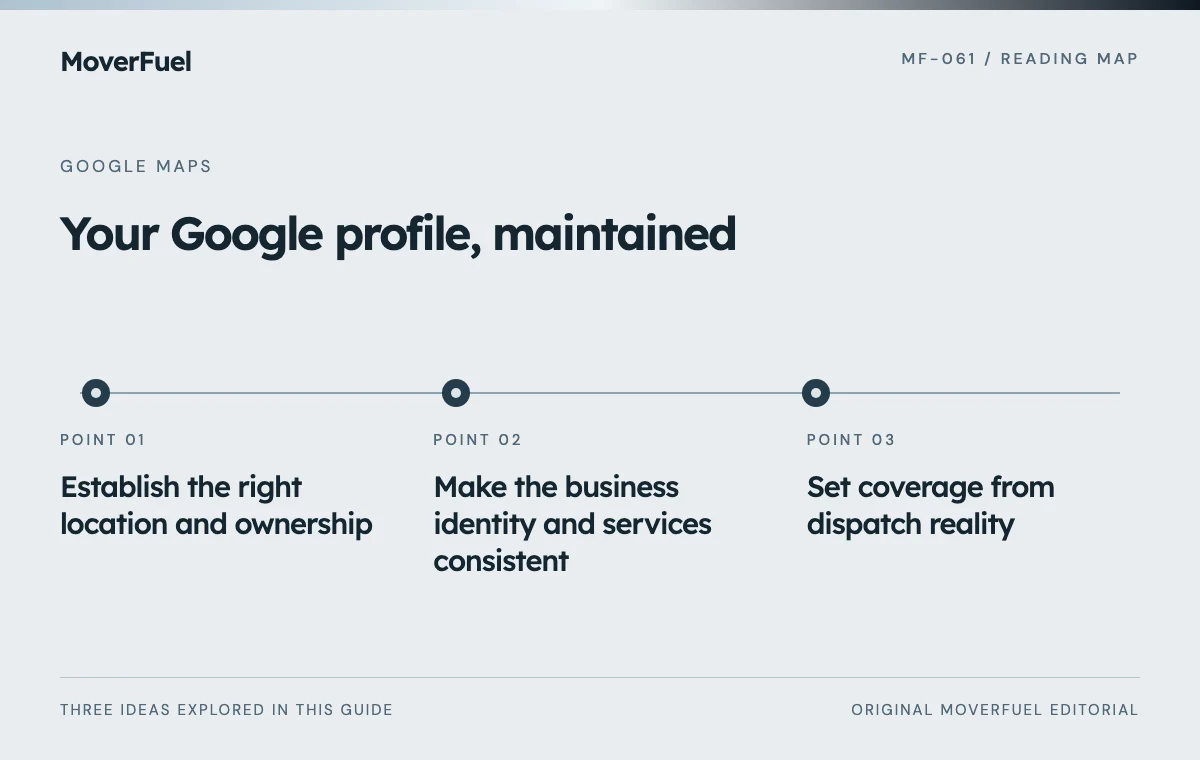
Establish the right location and ownership
Begin by checking who controls the profile and whether the listed location represents the business correctly. Keep the business's authorized owner involved and give providers only the access they need. Record the profile, responsible owner and escalation contact so a staff or agency change does not leave the company unable to maintain its information.
Google distinguishes service-area businesses from locations that receive customers. A mailing address where the company does not operate is not an eligible substitute for a real location. Separate staffed operating locations may qualify separately under the guidelines; adding a city to a coverage list does not create another branch. [1]
Scroll the table horizontally to compare all columns.
| Situation | Question to resolve | Avoid |
|---|---|---|
| Mover travels to customers | Should the profile hide the business address and show coverage? | Displaying an address as a customer destination when it is not one |
| Office receives customers | Does the location meet staffing, signage and customer-service requirements? | Treating a mailbox or unstaffed space as an office |
| Multiple branches | Does each location have its own qualifying operation and staff? | Creating profiles solely to claim more map coverage |
If the profile is already disputed, suspended or tied to an uncertain location, resolve that issue through the applicable official process before pursuing cosmetic changes. This checklist does not replace verification instructions or establish eligibility for a particular address.
Make the business identity and services consistent
Compare the profile with the website, signage and business records. The name should identify the business, not act as a place to append a list of desirable searches. Confirm the phone number, website destination and operating information. Use categories that accurately describe the business from the options actually available in the account. [1]
Describe what the estimator can actually sell
Customers need to understand whether you provide local moving, packing, storage, commercial relocation or another service. List only offerings the operation can fulfill. If a specialty requires a separate discussion, explain that instead of implying every request is automatically accepted.
Make the linked website carry the detail that a profile cannot. A commercial customer may need a site-survey process; a household customer may need an explanation of packing options. The destination should also clarify the next step. A contact form should begin an estimate conversation unless the business truly supports confirmed online booking.
Connect the profile to useful moving-company service pages and SEO foundations so customers can continue the same journey after clicking through.
Set coverage from dispatch reality
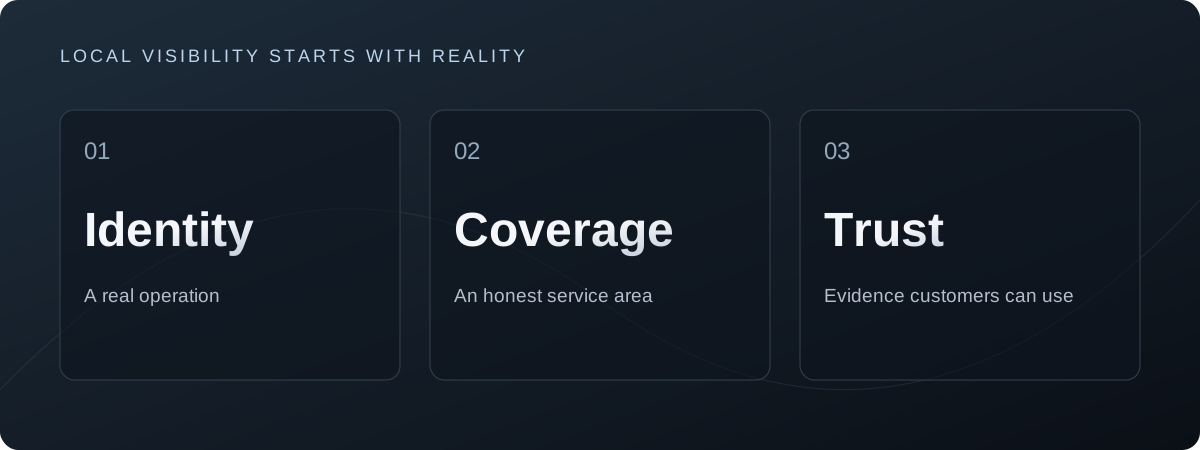
Ask the operator where crews can serve reliably, including travel, minimum job requirements and service differences. A local crew's normal coverage may be narrower than the company's long-distance capabilities. Document those distinctions before editing the profile or writing location pages.
Google's service-area settings describe where a business serves customers. Businesses that do not serve customers at their address should remove that address from public display and use service areas as appropriate. Follow the current settings and policy guidance rather than assuming a larger area list produces wider rankings. [2]
That distinction matters when reviewing a visibility report. A low position in a distant neighborhood may reflect proximity and competition rather than a missing phrase in the description. First ask whether that neighborhood represents valuable, serviceable work and whether the proposed fix improves truthful information. [3]
Build customer evidence without manufacturing it
Use recent, approved photographs that help someone recognize the business and understand its work. A crew preparing a protected doorway, a clearly branded truck or a genuine packing setup can explain more than an unrelated stock image. Obtain the necessary permissions and avoid exposing customers' addresses, paperwork or belongings without authorization.
Treat review requests as a consistent customer process. Invite honest feedback without requiring a positive rating or offering a reward for a Google review. Google's guidance prohibits incentives for reviews and for changing or removing negative ones. [4]
- Make the request understandable and easy to act on.
- Use a neutral invitation that does not predetermine the rating.
- Give staff a separate process to resolve service problems without bargaining over reviews.
- Keep public responses factual and avoid exposing private move details.
A useful review response helps future customers understand how the company communicates. It is not the place to publish a customer's full inventory, payment dispute or contact history. Move sensitive resolution into an appropriate private channel while acknowledging the concern publicly when appropriate.
Follow inquiries beyond the profile
Profile activity and booked work are different measurements. A website click may become an inquiry later; a call may concern an existing job. Define how the company records source information, and make sure staff can distinguish a new moving opportunity from support, recruitment or vendor calls.
Scroll the table horizontally to compare all columns.
| Evidence | What it helps answer | What it does not prove |
|---|---|---|
| Profile activity | Are people interacting with the listing? | That those interactions became qualified work |
| Website and call records | Which inquiry path did the customer use? | Every earlier influence on the decision |
| CRM qualification | Can we serve the requested move? | That the customer will book |
| Booking and completion records | What work was accepted and delivered? | That the profile alone caused the sale |
Use consistent source conventions and explain their limitations. A customer who saw the profile yesterday and typed the website address today may appear as a direct visit. Ask how they found you as an additional clue, not a perfect replacement for technical attribution. Avoid adding a second conversion feed that counts the same inquiry twice.
A lead-tracking and automation review can connect the discovery path with qualified estimates while preserving the distinction between observed source and assumed influence.
Create a maintenance routine with an owner
Assign someone to review changes to hours, contact details, services and operational coverage. Check the customer journey after a website migration, phone-provider change or new branch opening. A profile can look complete while directing people to a broken form or an old number.
Keep an issue log rather than editing everything at once. Record the inaccurate detail, evidence, responsible person and resolution. Review authentic customer feedback for recurring questions that the website could answer more clearly. Those questions can improve both the profile experience and the estimate process.
When expansion is the goal, confirm the operating foundation first. A legitimate new branch needs its own ability to serve customers, not merely a new local landing page and a claimed address. Build local visibility around actual capacity and approved information.
Common questions
Can a mover without a public storefront have a profile?
A service-area business may be eligible when it meets Google's requirements. Address display and coverage must reflect how it operates. A rented mailing address is not a substitute for a qualifying operation.
Will adding more service areas improve Maps rankings?
Do not treat it as a ranking tactic. Coverage should be accurate, while local results also depend on factors such as distance. A large coverage list does not prove the company will appear prominently everywhere in it.
Should we offer a discount for a Google review?
No. Google's review guidance prohibits incentives. Use a neutral request for genuine feedback and handle any service issue independently of the customer's decision to review the business.
Your next step
Verify the location, correct the business information, connect it to a useful estimate path and review actual inquiry outcomes. Maintain those foundations before investing in tactics that promise to expand map visibility without changing the operation.
Sources & editorial notes
Platform claims cite the documents below. Operating frameworks and labeled examples are MoverFuel editorial analysis, not client results or industry benchmarks.
- Google: representing your businessBusiness representation, location eligibility and service-area/branch distinctions. Reviewed .
- Google: service areasService-area configuration and address display. Reviewed .
- Google: local rankingLocal ranking factors and the limits of coverage settings. Reviewed .
- Google: tips to get more reviewsGenuine review requests and prohibited incentives. Reviewed .