A prospect looking at a moving company’s photos is trying to reduce uncertainty: Who will arrive? What equipment will they use? Will the team protect my home? Build the image library around those questions instead of filling the profile with repeated logos and interchangeable truck pictures.
 View full-size graphic ↗
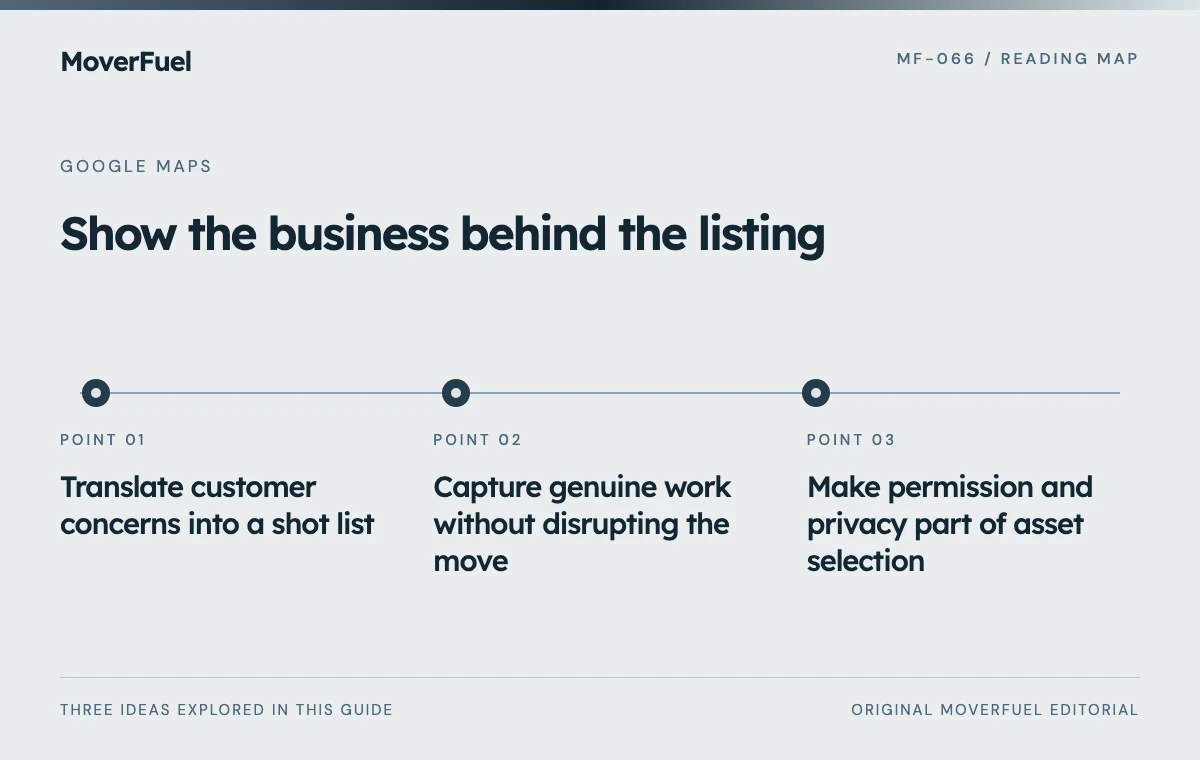
Translate customer concerns into a shot list
Scroll the table horizontally to compare all columns.
| Customer question | Useful real image | What to avoid implying |
|---|---|---|
| Who is coming to my home? | Current team members in their normal work clothing, with permission | That stock models are your crew |
| How will items be protected? | Actual wrapping, floor protection or loading preparation | That every job includes an unquoted service |
| Can you handle my access conditions? | Relevant equipment and a safely documented setup | Capability beyond the team’s training or scope |
| What does storage involve? | Authorized images of the real arrangement | Ownership or access rights the company does not have |
| Where should I arrive? | Recognizable entrance for a genuine customer-facing location | Walk-in access at a private dispatch base |
Choose images that are specific enough to help a customer ask a better question. A clear view of protective materials may be more useful than an aerial fleet photograph. If the visual raises an expectation about an included service, make sure the sales team can explain when that service applies.
Start with gaps in the current library. A company may have many vehicle photos but none showing its approach to preparation. Ask estimators which questions they repeatedly answer and select the next shoot from that list.
Capture genuine work without disrupting the move
Assign a photographer or designated employee before the job begins. Agree on safe moments and stop conditions with the crew leader. Filming should never interfere with lifting, driving, customer access or the crew’s attention to the task.
Use demonstrations honestly
A controlled demonstration can explain packing or protection techniques without exposing a customer’s home. Treat it as a demonstration, not as evidence of a particular customer project. Avoid staging unsafe shortcuts just to obtain a clearer view of the action.
Take a small number of purposeful compositions: one establishing view, one process detail and one result where appropriate. Leave space around the subject for different display crops. Keep original files and a simple asset record so a later editor can identify what is shown and where it may be used.
Make permission and privacy part of asset selection
Use a documented permission process for recognizable people, private interiors and customer possessions. Record the intended channels rather than assuming permission for one use covers every later campaign. Route legal or contractual questions to the company’s responsible adviser; an image checklist is not a release agreement.
Scroll the table horizontally to compare all columns.
| Field | Purpose |
|---|---|
| Asset ID and capture date | Find the original and assess freshness |
| Subject and operating location | Avoid mislabeling the work or branch |
| Permission record | Confirm allowed people, property and channels |
| Privacy review | Check labels, documents, addresses and screens |
| Owner and review date | Assign responsibility for updates or removal |
Inspect the background at full resolution. A box label, dispatch screen or reflection can reveal information that was not obvious during the shoot. Choose a different frame when privacy cannot be protected without making the image misleading.
Prepare files for the current profile requirements
Google’s current photo guidance accepts JPG or PNG files between 10 KB and 5 MB, recommends 720 by 720 pixels and sets a 250 by 250 minimum. Images should be focused, well lit and representative of reality. Public profile videos can be up to 30 seconds, up to 75 MB and at least 720p. [1]
Export from the original asset rather than enlarging a screenshot. Review small-screen legibility before upload: if the point of the image disappears at thumbnail size, simplify the composition. Avoid relying on small text inside the image to communicate an essential service condition.
Google may show a different image first even when a business selects a cover. Treat the whole visible library as the customer experience rather than assuming one chosen cover controls the presentation. [1]
Maintain accuracy instead of chasing upload volume
Review media when uniforms, branding, vehicles, facilities or services change. An attractive image can become inaccurate after a branch closes or an arrangement with a storage provider ends. Keep a removal queue alongside the new-content queue.
Coordinate profile imagery with creative and video production so the website and local profile show the same current operation.
Measure usefulness through the questions customers ask and the gaps your team identifies. Do callers understand what the company offers? Do estimators repeatedly correct an impression created by a photo? Those observations can guide the next shoot. Do not promise a particular ranking lift from an upload count or file-naming trick.
Common questions
Should a mover use stock photos on its profile?
For evidence of the team, equipment or facility, use authentic approved images. Stock photography cannot substantiate what your company owns or how it works.
How often should photos be added?
Use meaningful business changes and unanswered customer questions to set the schedule. A current, useful library is a better objective than an arbitrary weekly quota.
Your next step
Build a small, credible visual library that answers real customer questions. Preserve permissions, check privacy and replace outdated images when the operation changes.
Sources & editorial notes
Platform claims cite the documents below. Operating frameworks and labeled examples are MoverFuel editorial analysis, not client results or industry benchmarks.
- Google: manage Business Profile photos and videosCurrent photo/video specifications, authentic representation and limits on controlling the first displayed cover image. Shot lists and asset governance are original recommendations. Reviewed .