The best quote form is not necessarily the shortest. It collects enough information for the team’s next useful action without making the customer do unnecessary work. Define that action first: a callback, an estimate appointment and a detailed inventory review require different inputs and different confirmation messages.
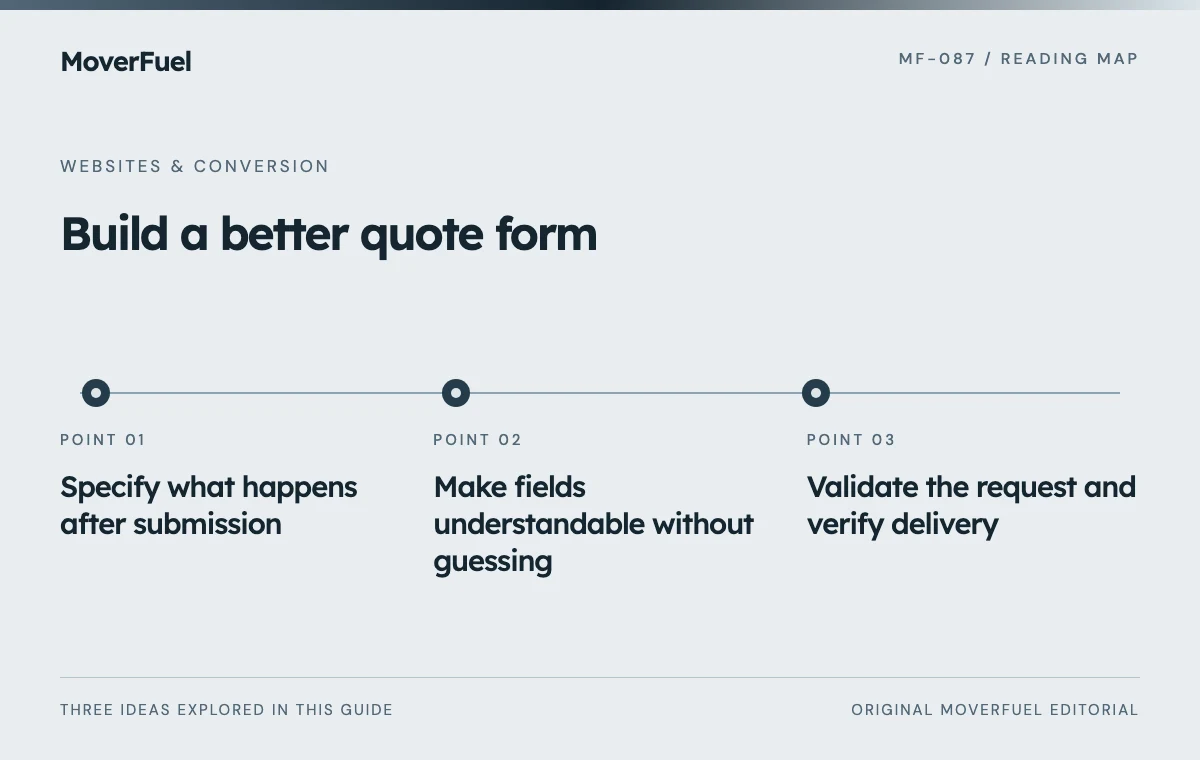 View full-size graphic ↗
Specify what happens after submission
Write an operational contract for the form: who receives the request, what they need to decide, how it is assigned and what the customer is told. If nobody owns the next step, improving the button or reducing fields will not resolve the delivery gap.
Scroll the table horizontally to compare all columns.
| Field | Reason to collect it | Design consideration |
|---|---|---|
| Name and contact method | Reach the customer | Ask only for contact routes the team uses |
| Origin and destination | Assess route and service fit | Start with the least precise location needed |
| Move date or flexibility | Check timing constraints | Support unknown or flexible dates |
| Service type | Route the request | Use understandable options and an uncertainty path |
| Move size or scope | Prepare the next estimating step | Avoid demanding an exact inventory prematurely |
| Optional notes | Capture unusual access or service needs | Explain what information is useful |
For a callback form, city or postal-code information may be sufficient initially. A later estimate workflow may need precise addresses and inventory. Collect detail at the stage where it serves a real decision, with appropriate handling of personal information.
Make fields understandable without guessing
W3C’s forms guidance covers labels, instructions, grouping and validation so users can understand and complete inputs. Use persistent labels rather than relying on placeholder text that disappears when typing begins. [1]
Handle moving-specific uncertainty
A customer may know the destination city but not the final address, or may have a closing window rather than a fixed day. Provide a truthful way to express that uncertainty. Forcing a made-up value makes the form look complete while reducing the quality of the sales record.
Use appropriate input types and autocomplete where useful, keyboard-operable controls and visible focus states. Explain required fields before submission. Avoid a custom date widget that looks polished but cannot be operated reliably with a keyboard or assistive technology.
Validate the request and verify delivery
Scroll the table horizontally to compare all columns.
| State | Expected behavior |
|---|---|
| Invalid field | Identify the field and explain how to correct it |
| Submitting | Show progress and prevent accidental repeated sends |
| Accepted by the real intake system | Confirm the request and describe the next step |
| Delivery failure | Show an honest error and a useful retry or contact option |
| Duplicate retry | Handle consistently without uncontrolled duplicate opportunities |
Apply server-side validation as well as client-side assistance. Limit accepted fields and request sizes, handle malformed input and use proportionate spam protection. Keep credentials and delivery secrets on the server. A visually complete form is not functional until its submission path has been tested.
W3C recommends feedback for both successful and unsuccessful submissions. Make the outcome available to assistive technology as well as visually, and place errors where users can understand which input needs attention. [2]
Ask for more information only when it improves the next step
Use conditional questions for relevant details, such as storage or packing needs. Explain why the information matters. A multi-step form can reduce visual density, but it can also hide effort; show progress and allow corrections without losing prior answers.
Review whether each field is used by the receiving team. If an input is collected but ignored, either incorporate it into the process or remove it. If staff repeatedly ask for the same missing detail before they can route a request, consider adding it with clear wording.
Keep the form consistent with the website conversion journey. The page should explain the offer before asking the visitor to supply information.
Measure delivered, qualified requests rather than clicks
Track form views, meaningful starts, validation failures, accepted submissions and qualified opportunities as separate events where the implementation supports them. Exclude tests and spam from commercial reporting. A submit-button click does not establish that a lead reached the team.
Compare changes using lead quality as well as completion rate. Removing route fields may increase submissions while creating more unsuitable inquiries. Adding a carefully explained field may reduce volume while helping staff respond more effectively. The correct choice depends on the operation.
Test on mobile, with keyboard navigation, with invalid data and with the delivery integration unavailable. Repeat the important checks after form, analytics or CRM changes. A reliable failure path is part of a high-performing form, not an optional technical detail.
Common questions
How many fields should a moving quote form have?
Use the minimum set needed for the next real operational action. There is no universal field count that optimizes both completion and lead quality.
Should the success screen say the move is booked?
Only if a real booking was completed. An inquiry form should confirm delivery and explain the remaining estimate or scheduling steps.
Your next step
Design the form as a complete intake process: useful fields, accessible interaction, secure validation, genuine delivery and honest confirmation. Optimize for qualified requests the team can act on.
Sources & editorial notes
Platform claims cite the documents below. Operating frameworks and labeled examples are MoverFuel editorial analysis, not client results or industry benchmarks.
- W3C: accessible formsAccessible labels, instructions, grouping and validation principles. Reviewed .
- W3C WAI: form user notificationsFeedback for successful and unsuccessful submissions. Intake specification and delivery recommendations are original engineering guidance. Reviewed .