
A moving website converts well when the right customer can understand the offer, take an appropriate next step and reach a team that can respond. A form completion alone does not prove that journey works. Review service clarity, mobile interaction, delivery and sales handoff together before changing button colors or adding another popup.
 View full-size graphic ↗
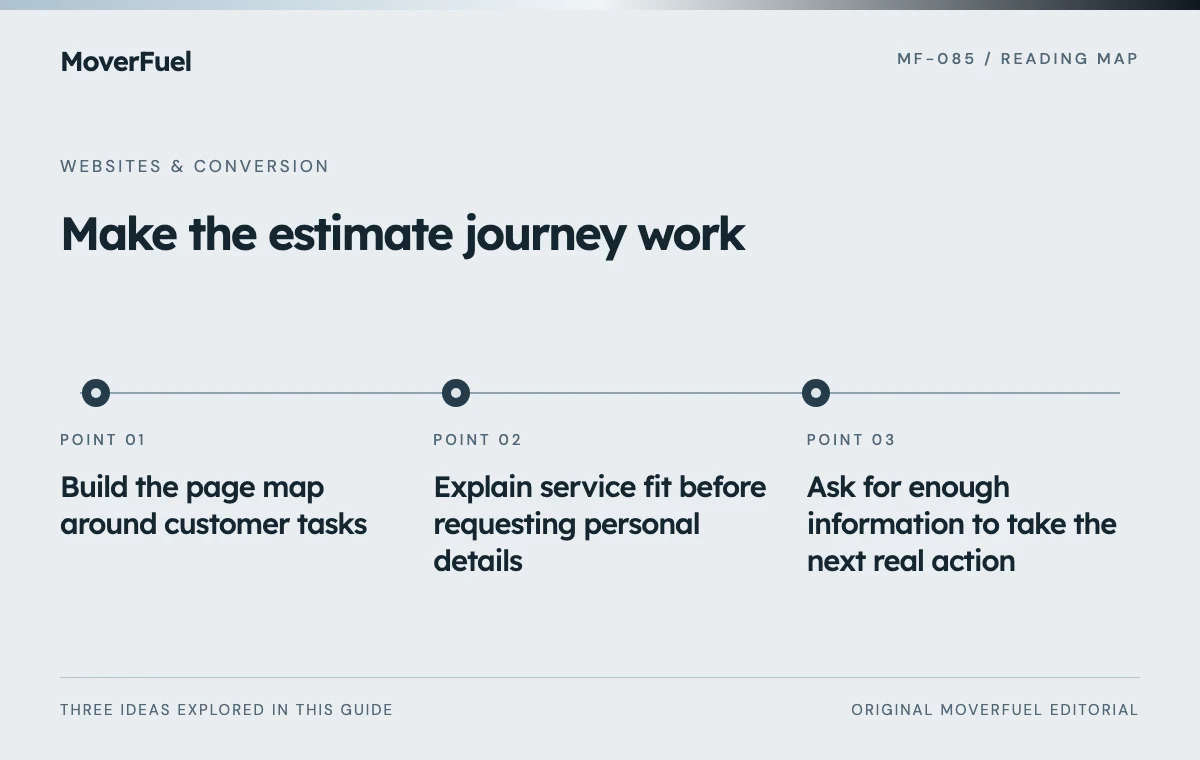
Build the page map around customer tasks
A customer arriving from an apartment-moving ad needs different information from a facilities manager researching office relocation. Give each important service a useful explanation and a suitable next step. Keep the company’s identity and contact paths consistent while allowing the page content to reflect the actual task.
Scroll the table horizontally to compare all columns.
| Visitor task | Useful page | Next step |
|---|---|---|
| Find local household help | Local service page with coverage and scope | Request a residential estimate |
| Arrange an interstate move | Route-aware service explanation | Submit origin, destination and timing |
| Plan an office project | Commercial capabilities and discovery process | Discuss scope or arrange a survey |
| Evaluate trust | Approved work, reviews and business details | Return to the relevant service decision |
| Ask a practical question | Helpful guide with contextual links | Explore the appropriate service |
Do not make every visitor restart at a generic homepage. Ads, organic service pages and educational guides should each offer a logical continuation. The estimate path should remain recognizable wherever the visitor enters.
Explain service fit before requesting personal details
State the move types and areas the company actually serves. Clarify whether packing, storage, labor-only help or specialist handling is available. Avoid making a prospect complete a lengthy form to discover a basic service limitation that could have been explained earlier.
Use plain descriptions of the estimate process. If the first step is a callback, call it a request or consultation rather than an instant quote. If a survey is needed, explain what the team will review and how it is arranged. Do not promise a response time that the operating team has not agreed to meet.
Treat accurate limits as useful information
A clear limitation can reduce inappropriate inquiries without making the page less persuasive to the right customer. “Commercial project estimates begin with a scope discussion” is more useful than implying an office relocation can be priced from a name and email alone.
Ask for enough information to take the next real action
Begin with the fields the team needs for an initial response and broad fit assessment. Contact details, origin and destination areas, requested timing and move type may be sufficient for a first step. Detailed inventories or access questions can follow when the estimating process requires them.
W3C’s form guidance emphasizes understandable labels, instructions and validation. Keep labels visible rather than relying only on placeholder text. Explain required fields and input formats, and make the controls usable by keyboard as well as touch. [1]
Scroll the table horizontally to compare all columns.
| Field decision | Question to ask |
|---|---|
| Required or optional | Can the next action happen without this answer? |
| Exact address or area | What precision is necessary at this stage? |
| Date selection | Can the customer express uncertainty or a window? |
| Move type | Do choices match the services actually offered? |
| Phone and email | How will the team use each contact method? |
| Error message | Does it explain how to fix the problem without losing work? |
A shorter form is not automatically better if it creates an unusable request. A longer form is not automatically better if customers cannot answer its questions. Match the information burden to the next decision, then test completion and lead usefulness together.
Make success feedback correspond to real receipt
W3C recommends feedback for both successful and unsuccessful form submission, including useful inline and overall messages. A customer should know whether the request went through and what to do when it did not. [2]
Implement success only after the receiving system acknowledges the request under the application’s delivery contract. If delivery fails, retain the entered information where practical and provide an actionable error. A green banner shown regardless of the server response can conceal lost inquiries.
Protect the form against spam and repeated submissions without unnecessarily excluding legitimate users. Keep server-side validation, reasonable limits and a recovery path. An aggressive filter that silently discards a real estimate request is a conversion defect even if it reduces spam counts.
Make the phone path as dependable as the form
Use a clearly labeled mobile call action with the correct number. Test it from the actual page and device. Confirm branch selection, forwarding, voicemail and after-hours behavior. A visually polished call button is not useful if it reaches the wrong team.
Explain contact availability accurately. If the office is closed, provide a realistic alternative and an expectation the team can honor. Keep tracking-number behavior consistent enough that changing the number does not break routing or confuse the customer about which business they reached.
Measure connected calls and later qualification separately. A tap on a phone link is an interaction, not proof of a conversation or booking. Review missed calls with response staffing so the website is not blamed for a handoff problem it cannot resolve alone.
Place credible evidence near the decision it supports
Use authentic reviews, permissioned photographs and verified business details where they answer a customer concern. A commercial buyer may need evidence of relevant project capability; a household customer may need clarity about the estimate and service scope. Proof should relate to the decision, not merely decorate the page.
Keep the source and permission record behind published testimonials or client work. Do not invent a rating, customer identity or performance result. If real assets are unavailable, explain the process honestly and plan how approved evidence will be collected later.
Review links to policies and contact information as part of trust. A page should not imply credentials or insurance coverage beyond what has been verified. Where legal or regulatory statements are necessary, have the responsible qualified reviewer approve their wording and scope.
Test performance and accessibility at the task level
Current Core Web Vitals cover loading, interaction responsiveness and layout stability through LCP, INP and CLS. The recommended good thresholds are 2.5 seconds, 200 milliseconds and 0.1 respectively, evaluated at the 75th percentile of real page visits. A single laboratory run is useful diagnosis, not proof of field performance. [3]
Test the complete estimate journey on a narrow phone viewport and with a keyboard. Check focus visibility, field labels, error announcements, contrast, zoom and whether fixed elements cover controls. Automated tools help find issues but do not replace trying the task.
Scroll the table horizontally to compare all columns.
| Check | Failure example |
|---|---|
| Layout stability | An image loads late and moves the submit button |
| Input usability | A date field cannot express a flexible date |
| Keyboard access | Focus disappears inside a custom menu |
| Error recovery | A rejected field clears the rest of the form |
| Slow connection | A large decorative asset delays the service explanation |
| Submission state | Repeated taps create multiple requests |
Choose improvements using the complete inquiry journey
Define the funnel from service-page visit through started request, accepted submission, contacted prospect, qualified opportunity and booked move. Record what each stage means. Do not mix clicks, calls and jobs under one conversion total without showing the components.
Use the qualified moving leads framework to distinguish fit from response and sales outcomes. A page change that produces more forms but fewer suitable opportunities needs investigation, not automatic celebration.
Prioritize observed friction. If many customers abandon one confusing field, test clearer wording or a different stage for the question. If requests arrive but no one responds, fix ownership. If customers misunderstand the service, improve the explanation before experimenting with visual decoration.
Record each change, hypothesis and acceptance test. Keep the sample size and conversion delay visible when comparing outcomes. The purpose of conversion work is to make a useful customer action easier and more reliable, then establish whether that action contributes to the company’s sales process.
Many of these repairs can be made on the site you already have. If the platform itself keeps blocking them, a rebuild may be the better repair; see how we approach moving company website design.
Common questions
Is a shorter quote form always better?
No. It should collect what is necessary for the next useful action while avoiding premature detail. Compare successful completion and lead usefulness, not field count alone.
Does a thank-you page prove an inquiry was delivered?
No. Verify the receiving system, routing and follow-up ownership. Success feedback should reflect an acknowledged submission, and failures need a clear recovery path.
Should mobile calls and forms count as booked moves?
No. They are earlier interactions. Keep connected calls, accepted forms, qualified opportunities and confirmed bookings separately defined and measured.
Your next step
Make service fit clear, contact actions usable and delivery verifiable. Improve the weakest observed step in the estimate journey, then review qualified outcomes rather than celebrating a larger form count alone.
Sources & editorial notes
Platform claims cite the documents below. Operating frameworks and labeled examples are MoverFuel editorial analysis, not client results or industry benchmarks.
- W3C: accessible formsAccessible form labels, instructions and validation. Reviewed .
- W3C: form notificationsUseful success and error feedback. Reviewed .
- web.dev: Web VitalsLCP, INP, CLS thresholds and field measurement context. Reviewed .