
Responsive search ads combine assets in different arrangements. That makes each headline and description part of a small content system: it must make sense alone, fit other assets and remain true when shown to a customer. Start with verified service facts, give each asset a distinct role and review the possible promises before publishing.
 View full-size graphic ↗
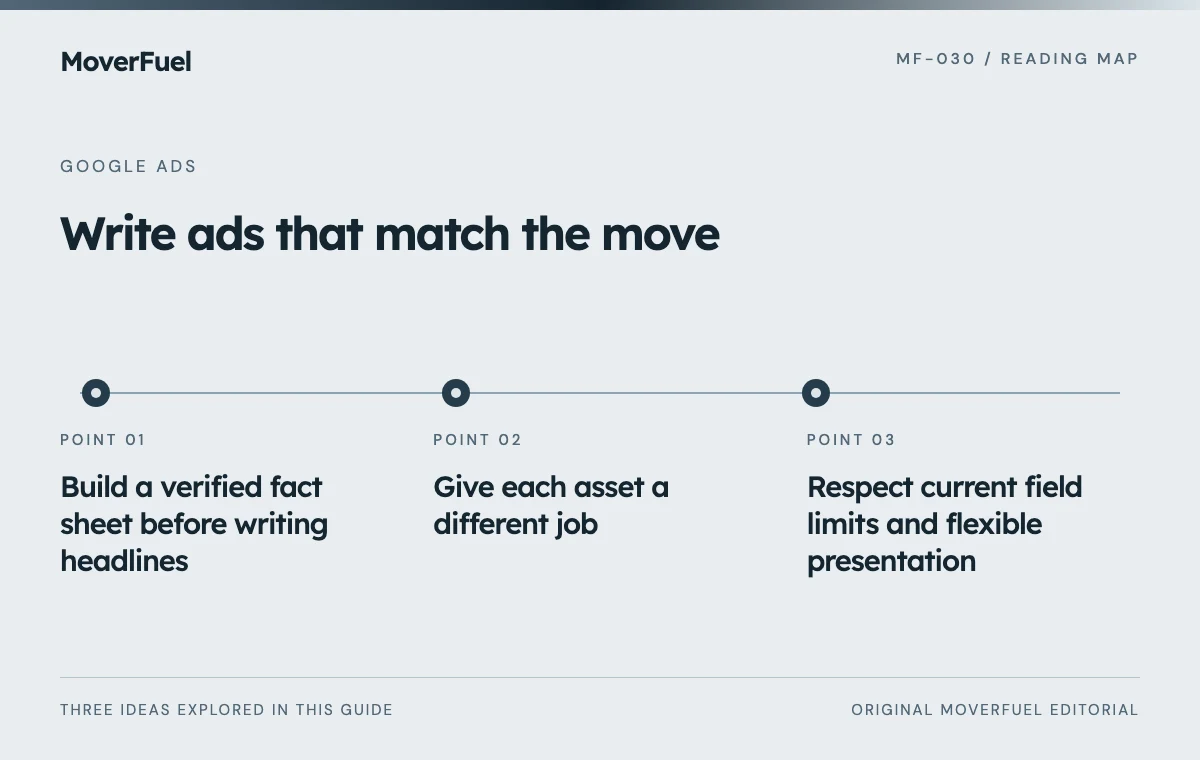
Build a verified fact sheet before writing headlines
List the offered service, real coverage, estimate process, contact hours and any approved proof. Assign an owner to facts that change, such as availability or a temporary offer. If a claim depends on conditions, decide whether the ad has enough space to communicate it accurately.
FTC advertising guidance requires claims to be truthful, not misleading and appropriately supported. For a mover, that means verifying statements about price, credentials, reviews and availability rather than copying persuasive language from a competitor. [2]
Prefer useful specifics to unsupported superiority. “Apartment Moving Estimates” describes a task. “The Best Movers Anywhere” creates a claim the company may not be able to substantiate and says little about the customer’s actual service need.
Give each asset a different job
Use a mix of service identification, relevant location, verified process detail and next-step language. Multiple headlines that simply rearrange “professional moving company” create less useful choice than assets that answer different customer questions.
Scroll the table horizontally to compare all columns.
| Role | Headline example | Required check |
|---|---|---|
| Service | Local Moving Services | Company provides local moves |
| Specific need | Apartment Moving Help | Apartment jobs fit the offer |
| Estimate step | Request a Moving Estimate | Destination supports a real request |
| Process | Plan Your Move With Us | Team actually provides planning help |
| Scope | Packing and Moving Help | Packing is genuinely available |
These are examples, not a complete account-ready advertisement. Add accurate location and proof where appropriate, then verify the entire set against the destination. Avoid inventing a review count or same-day availability simply to fill an asset slot.
Use descriptions to explain the next step
A description can tell the customer what information to provide and what happens afterward. For example: “Tell us your locations and moving date. Our team will review your estimate request.” That sentence is useful only if it matches the actual process; change it if the business offers a different next step.
Respect current field limits and flexible presentation
Google currently supports up to 15 headlines and four descriptions per responsive search ad, with 30-character headline and 90-character description limits. Assets can appear in different orders and some content may not display. Current enhanced flexibility can also use eligible assets in additional placements within the ad presentation. [1]
Do not write a sentence that requires two separate headlines to appear consecutively. Do not place a critical qualification only in an optional fragment while another asset makes an unconditional promise. Preview combinations, but remember that previews do not exhaust every possible presentation.
Use pinning for a real requirement, not to force a favorite layout
Pinning constrains where an asset can appear and reduces available combinations. Google documents designated positions for text that must appear. If a disclosure or essential qualification needs guaranteed placement, follow the current pinning instructions and obtain appropriate review of the claim. [1]
Do not pin everything simply because one preview looks attractive. Instead, identify which message must be preserved and which assets can vary safely. If the ad requires several complex qualifications to remain accurate, simplify the offer or move the campaign toward a clearer service group.
Review all eligible assets in the group, including any automated text features you have enabled. Account settings can affect what customers see. The responsible reviewer should know whether the published message can include wording beyond the manually supplied asset set.
Check that the destination fulfills the advertisement
Open every final URL on mobile. A packing headline should not lead to a page that only describes truck transport. A request for an estimate should not lead to a broken form or a generic homepage that makes the customer start again.
Scroll the table horizontally to compare all columns.
| Check | Failure to catch |
|---|---|
| Service and location | Ad promises work the branch cannot provide |
| Availability | Temporary claim remains after capacity changes |
| Estimate language | “Instant quote” actually means a later callback |
| Proof | Unverified review, credential or savings claim |
| Mobile next step | Form or call link does not work |
| Combination | Two individually plausible assets create a misleading combined promise |
Use the Quality Score diagnostic guide when investigating relevance or destination problems. The goal remains a clear customer journey, not a score-only copy exercise.
Evaluate messages through qualification and bookings
Click-through rate can reveal whether a message attracts attention, but it cannot establish the value of the resulting work. Compare qualified opportunities and mature bookings, while accounting for differences in audience, budget and service availability.
A message emphasizing low price may attract more inquiries without improving suitable bookings. A clearer service limitation may reduce clicks while saving estimator time. Interpret those changes using the business objective rather than assuming the most clicked message is always the strongest.
Keep a copy log with the hypothesis, approved facts, launch date and review result. Update claims when operations changes. Responsive ads are not a one-time writing task because the facts that make them accurate can change even when the text remains untouched.
Common questions
Will every headline appear together?
No. Google selects combinations and presentation can vary. Write assets that make sense independently and do not rely on an optional headline to qualify another claim.
Should I fill every asset slot?
Provide useful, distinct, accurate options. Repeating the same promise to fill slots is less helpful than a carefully reviewed set that explains the service and next step.
Your next step
Write an asset system grounded in real service facts. Test combinations, preserve essential qualifications and evaluate the inquiries the message creates—not only the clicks it earns.
Sources & editorial notes
Platform claims cite the documents below. Operating frameworks and labeled examples are MoverFuel editorial analysis, not client results or industry benchmarks.
- Google: responsive search adsCurrent asset limits, combinations, enhanced flexibility and pinning behavior. Reviewed .
- FTC: advertising and marketingTruthful, non-misleading and supported advertising claims. Reviewed .