
Before launching a local moving campaign, write a sentence that dispatch and sales would both approve: “We want household moves beginning in these neighborhoods, on dates we can serve, for the services listed on this page.” That sentence becomes a useful configuration brief. This walkthrough turns it into a small, testable Search campaign and a launch record you can hand to another person without losing the reasoning behind the settings.
 View full-size graphic ↗
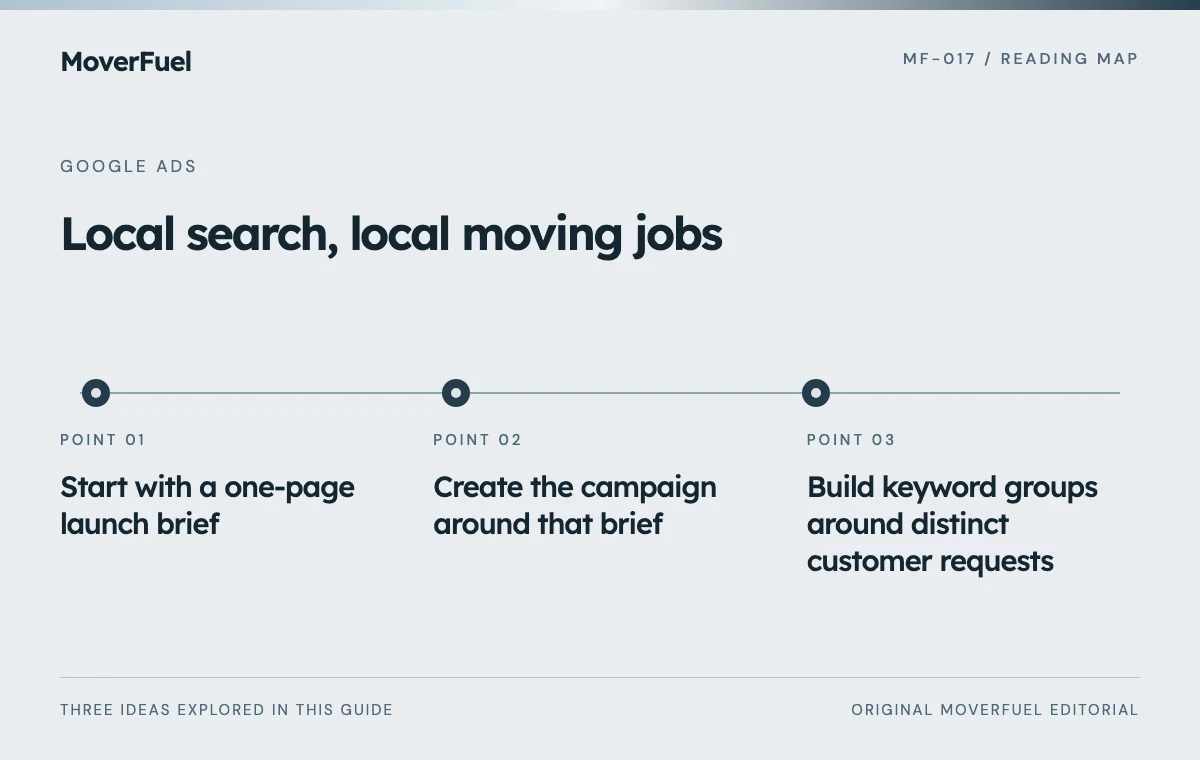
Start with a one-page launch brief
Choose one service-market combination for the initial build. A company that also sells packing, storage and interstate moves does not have to advertise every offering on day one. Select work with available capacity, a clear estimate process and someone responsible for answering inquiries. Name the person who can authorize budget changes.
Scroll the table horizontally to compare all columns.
| Decision | Illustrative entry | Who verifies it |
|---|---|---|
| Service | Full-service local household moves | Operations |
| Coverage | Named origin ZIP codes and permitted destinations | Dispatch |
| Availability | Dates confirmed against the crew calendar | Operations |
| Destination | Local moving estimate page | Marketing and sales |
| Success event | Contactable, serviceable estimate opportunity | Sales manager |
| Spending boundary | A documented test allowance and review date | Owner |
Make exclusions explicit. If labor-only loading is unavailable, the page should say what the company does provide without pretending every request fits. If the destination can be outside the origin area, record the rule. A map drawn around the office is rarely a complete service specification.
Create the campaign around that brief
Google’s Search campaign workflow includes the objective, bidding, networks, locations, keywords, ads and budget. Interface labels can change, so use the official setup guide alongside your account rather than treating a screenshot as a permanent checklist. Record the settings you actually save. [1]
Choose inventory deliberately
For a controlled first test, document which Search inventory is enabled and review each expansion option before accepting it. The reason for keeping a test narrow is diagnostic: when lead quality changes, you want to know what changed. Additional inventory can be tested separately once you can distinguish inquiry volume from suitable jobs.
Set location targeting and exclusions with the service brief beside you. Presence targeting and interest targeting answer different questions about where a searcher is or what location interests them. Google uses imperfect signals; neither choice certifies the origin address of a move. Keep the address questions in the estimate process. [2]
Select languages and schedules that reflect the team’s actual ability to serve customers. An after-hours form can still be useful when the next response is clear. An ad inviting an immediate call needs a reliable answering path during the hours it runs.
Build keyword groups around distinct customer requests
Begin with a short list of real service requests: apartment relocation, household moving and packing with a move, for example. Group together searches that deserve the same promise and destination. Do not split every city spelling into a separate campaign if it shares a budget, sales team and offer.
For each group, write down the intended searcher, the matching page and an unsuitable request that could look similar. “Apartment movers” might fit; “apartment moving checklist” may require a different decision. Research-oriented language is not automatically worthless, but it should not consume a hiring-focused test by accident.
- Check that the page clearly names the advertised service.
- Review borrowed negative lists for exclusions that conflict with your offer.
- Choose match types with enough review capacity to inspect the resulting queries.
- Keep a record of keywords added specifically as tests.
Use the Google Ads strategy guide for the wider account decisions. This launch checklist focuses on whether one campaign is ready to run.
Review the ad as a customer would
Read every headline and description aloud with the landing page open. “Available this weekend” is a changing operational claim. “Instant quote” is misleading when the next step is an estimator callback. A specific, accurate next step gives customers a better basis for deciding whether to inquire.
Check the final URL on a phone, including any tracking parameters. Confirm that the call button reaches the correct branch and that an estimate request does not disappear into a generic mailbox. Test errors as well as success: a missing required field should explain what to fix without clearing the customer’s other answers.
Prove the measurement path before buying more traffic
List the conversion actions the campaign uses. A form submission, a connected call and a qualified opportunity describe different events. Under standard goals, primary actions used by the campaign support bidding; secondary actions are observational. Custom goals are an important exception because included secondary actions can still be used for bidding. [3]
Use designated test records that your team can exclude from business reporting. Trace a request from browser confirmation to the correct sales queue and then to its disposition. Verify that a refresh, repeat call or integration retry does not become another supposedly new qualified opportunity.
Record the test timestamp, device, receiving inbox or CRM record, conversion action and result. A screenshot of a thank-you page proves only that a page displayed. A complete test establishes that the company can receive, respond to and measure the request.
Make the first review a diagnosis, not a verdict
After launch, inspect delivery and obvious failures promptly: wrong destination, broken call routing, disapproved ads or requests outside the service definition. Then review qualified outcomes after enough of the sales process has elapsed. A same-day local request and a move planned months ahead do not mature on the same schedule.
Classify problems before changing settings. Irrelevant queries suggest a targeting question. Appropriate requests with no contact attempts suggest a response problem. Contacted customers rejecting an unclear estimate process suggest an offer or communication problem. Assign each correction to the person who controls it.
Keep the first expansion decision narrow. Add a service, broaden a location or change an offer because the test identified an opportunity. Changing all three at once makes it difficult to explain the next result. The launch record should become a change log, not a document abandoned when the campaign goes live.
Common questions
Should I advertise every moving service in one launch?
You can, but a focused first campaign is easier to validate. Add services when their pages, qualification rules, response coverage and measurement are ready.
Does a successful test form mean conversion tracking works?
It verifies only part of the journey. Confirm receipt, routing, unique lead creation, sales disposition and the intended advertising event. Exclude designated test records from commercial reporting.
Your next step
A local campaign is ready when the service brief, saved settings, customer journey and measurement record agree. Use that agreement as the launch gate, then expand through documented tests.
Sources & editorial notes
Platform claims cite the documents below. Operating frameworks and labeled examples are MoverFuel editorial analysis, not client results or industry benchmarks.
- Google: create a Search campaignSearch campaign setup categories; not a claim that interface labels remain fixed. Reviewed .
- Google: advanced location optionsLocation option distinctions and signal limitations. Reviewed .
- Google: primary and secondary conversion actionsPrimary/secondary actions and custom-goal exception. Reviewed .