Report Google Maps spam when you can identify a specific policy issue and support it with relevant evidence. A competitor ranking above your moving company is not evidence of spam. Separate inaccurate details, an ineligible place, fraudulent business information and review complaints, then use Google's reporting route for that issue.
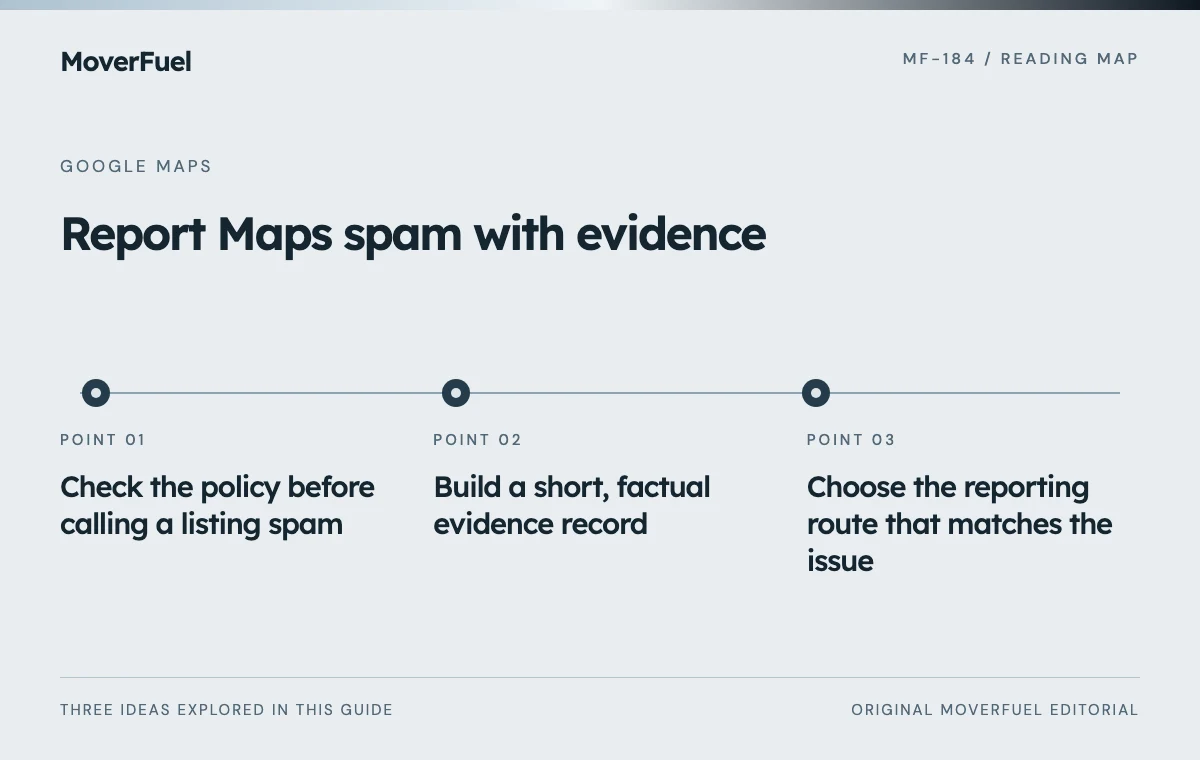 View full-size graphic ↗
Check the policy before calling a listing spam
Google says a profile should reflect the business's real-world name and an accurate location or service area. Virtual offices that do not meet its requirements are ineligible. Service-area businesses can legitimately hide an address; co-working locations have their own staffing and signage requirements. Compare the actual facts with the relevant rule instead of treating an unfamiliar address as proof. [1]
Scroll the table horizontally to compare all columns.
| Observation | Question to check | Avoid this assumption |
|---|---|---|
| A long, keyword-heavy name | Does the name match how the business is represented in the real world? | Every descriptive business name is fabricated |
| Several profiles at nearby addresses | Are these distinct eligible operations or duplicate/ineligible listings? | Every multi-location operator is violating the rules |
| No public street address | Is this an eligible service-area business? | A hidden address means the business is fake |
| An address in a shared building | Is there evidence relevant to Google's location requirements? | Shared premises alone prove a virtual office violation |
| A poor customer review | Does it violate a review policy? | Criticism makes the entire business listing ineligible |
A business can change its name or move, and public information can lag. Look for a coherent explanation before submitting a report. When the evidence is uncertain, record the uncertainty rather than filling it with assumptions about the operator's intent.
The multi-location profile guide explains legitimate location management. Review your own setup against the same standards you apply to another listing.
Build a short, factual evidence record
Save the public Maps link, the date you observed the issue and a screenshot of the exact field or listing. Add the policy URL and a concise explanation of the mismatch. Where relevant, include the business's public website or other reliable public material that supports the narrow claim. Keep an untouched copy of the evidence for your records.
Scroll the table horizontally to compare all columns.
| Field | What to record |
|---|---|
| Listing | Public Maps URL and displayed business name |
| Observation date | When you captured the information |
| Specific issue | The name, address, phone, URL or eligibility concern |
| Relevant rule | Google policy link and the requirement at issue |
| Evidence | Public source URLs and screenshots showing the mismatch |
| Uncertainty | What you could not verify or what may have changed |
| Submission | Date, route used and any reference or response provided |
For example, a hypothetical name report might state: the Maps name includes an extra promotional phrase, while the public website and visible business branding use a shorter name. Link the materials and ask Google to review the discrepancy. That is more useful than an unsupported statement that the company is fraudulent.
Choose the reporting route that matches the issue
Google Maps distinguishes ordinary corrections from misleading places and fraudulent details. For inaccurate information, use Suggest an edit. For a place that is misleading or not genuine, its reporting guide points to Suggest an edit, then Place is closed or not here, then Offensive, harmful or misleading. Interface wording can vary; follow the current prompts and submit the most accurate reason. [2]
Google also provides a process to request removal of a nonexistent or ineligible business, even when you do not own it. A submitted request is subject to review; it is not a command to remove the listing. [3]
Scroll the table horizontally to compare all columns.
| Concern | Starting point | Keep the request focused |
|---|---|---|
| Incorrect business detail | Maps → Suggest an edit | Propose the accurate information and relevant evidence |
| Nonexistent or ineligible place | Maps removal/reporting options | Explain the eligibility problem, not its search position |
| Fraudulent name, phone number or website URL | Business Redressal Complaint Form | Identify the affected details and why they are misleading |
| Policy-violating review | Google's review-reporting process | Identify the review rule rather than filing a listing complaint |
The Business Redressal Complaint Form is the designated route for fraudulent business names, phone numbers or URLs. Read its current instructions, include the requested Maps information and attach relevant evidence when the form allows it. Do not use it as a general appeal for your own suspended profile. [4] [2]
A review complaint is separate. Google does not remove a review merely because the business disagrees with it or finds it negative. Use the review process only when the content violates a policy. [5]
Follow up without turning reporting into a campaign
Record what you submitted and retain any acknowledgment. Check the public listing and any status Google makes available. A lack of visible change does not tell you whether Google accepted your interpretation, rejected it or is still reviewing it. Do not invent an expected removal date.
- If the detail changes, record the date and what changed.
- If Google requests more information, answer the specific request with evidence.
- If you find materially new evidence, use the appropriate follow-up path where available.
- Avoid duplicate submissions, coordinated mass reports or pressure on the business being reported.
Keep the report factual even when a result is disappointing. Google's decision may differ from your reading, and not every reporting route offers an appeal. Save the record so your team does not repeatedly investigate the same unsupported suspicion.
Keep your own local growth work moving
Reporting a policy issue is maintenance of the local information environment, not a dependable acquisition strategy. Even if Google changes a listing, there is no promise that your company will gain a particular position or receive more inquiries. Do not budget a forecast around a competitor being removed.
Continue improving your own profile accuracy, service information, website usefulness and response process. Review your inquiry quality and booked work separately from the reporting log. Those records will tell you more about the health of your own operation than the number of complaints submitted.
For the work you control directly, use the Business Profile optimization guide and the local citation consistency checklist.
Common questions
Can I report a moving business I do not own?
Yes, Google provides reporting and removal-request routes for other public listings. Submit a specific policy concern with relevant evidence; Google decides what action, if any, to take.
Is a moving company with a hidden address fake?
No. Eligible service-area businesses may hide their street address. Check the actual operating facts and Google's requirements rather than treating address visibility as proof.
How long does Google take to remove a spam listing?
There is no dependable removal deadline to promise. Review outcomes vary, and a request may not result in removal. Keep your submission record and use any status or follow-up options Google provides.
Will removing a spam listing improve my rankings?
A listing change does not guarantee your position or traffic will improve. Keep reporting separate from forecasts and continue work on your own eligible profile and customer experience.
Your next step
Identify a specific policy issue, document public evidence and choose the correct Google reporting route. Stay factual, avoid mass-reporting tactics and keep improving the parts of local acquisition your business controls.
Sources & editorial notes
Platform claims cite the documents below. Operating frameworks and labeled examples are MoverFuel editorial analysis, not client results or industry benchmarks.
- Google: Guidelines for representing your businessReal-world business names, eligible locations, service-area businesses and virtual-office restrictions. Reviewed .
- Google Maps: Report a businessDifferent reporting paths for incorrect information, misleading places and fraudulent business details. Reviewed .
- Google: Request removal of a Business ProfileHow to request removal of an ineligible or nonexistent business; Google reviews requests. Reviewed .
- Google Business Redressal Complaint FormReporting fraudulent business names, phone numbers or URLs using the designated form. Reviewed .
- Google: Report inappropriate reviewsReview reporting is separate from listing corrections; disagreement alone is not grounds for removal. Reviewed .