
Verification is not a universal list of documents that every mover uploads once. It is an account-specific process that depends on the business and its location, with requests that can change. The practical task is to establish who owns each requirement, supply accurate information through the proper channel and keep the account ready for later review.
 View full-size graphic ↗
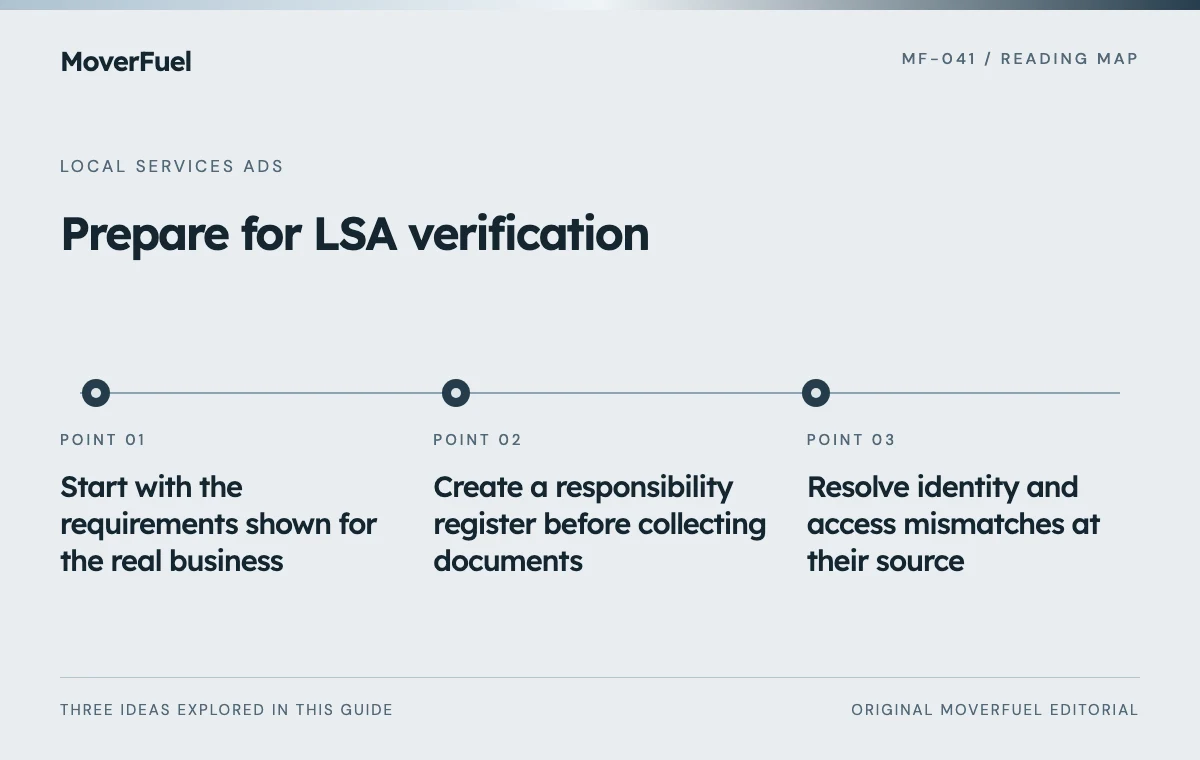
Start with the requirements shown for the real business
Google’s current guidance says screening depends on category and geography. Depending on the account, checks may address registration, authorized representation, insurance, licenses or background screening. The dashboard determines which requests apply; do not assume every listed check applies to every moving company. [1]
Have the business owner or authorized representative review participation for the actual category and service location. Record the requested steps and their status. If a requirement is unclear, resolve it through the official support or verification process rather than guessing from another company’s screenshots.
Use the company’s real operating identity and approved details. Do not create an alternate identity or location to work around an eligibility problem. A marketing launch deadline is not a reason to submit information that the business cannot substantiate.
Create a responsibility register before collecting documents
Scroll the table horizontally to compare all columns.
| Item | Responsible role | Record in the register |
|---|---|---|
| Business identity | Authorized owner or administrator | Correct name, location and request status |
| Profile access | Approved profile manager | Who can prove or request access |
| Requested business documents | Authorized business representative | Submission owner and official destination |
| Insurance or licensing evidence, if requested | Responsible operations or compliance contact | Current status and renewal owner |
| Individual screening, if requested | Individual and approved verification provider | Completion status, not private results |
| Follow-up request | Named account owner | Due point, dependency and resolution |
The register should point to secure records without duplicating sensitive documents. A marketing coordinator usually needs to know that an item is complete, not to retain every personal identity file or screening result. Use access appropriate to the person’s actual role.
Record who can respond if the primary contact is unavailable. An account can stall when a document exists but only one person knows where it is or has authority to submit it.
Resolve identity and access mismatches at their source
Google describes matching a Local Services account with the relevant Business Profile and confirming authorized ownership or management. It also documents business-representative checks for selected users and categories. Follow the request that appears for the account, including any required evidence of authorization. [1]
Treat discrepancies as a records problem
Compare the business name and address used across the submitted records. A trading name, legal entity and branch name can legitimately differ, but the relationship may need documentation. Ask the responsible business owner to resolve the discrepancy; do not edit an official document to make it appear consistent.
If profile access belongs to a former employee or agency, use the authorized recovery or access-request process. Keep a record of the request and its owner. Creating a duplicate profile can introduce a second problem without resolving the first.
Review the submission as a complete packet
Before submitting, check that each requested item is readable, current and the correct document for the request. Confirm that the named representative is authorized to act. Keep the status of each step distinct: prepared, submitted, under review, clarification requested or completed.
If a request is rejected or needs clarification, preserve the stated reason and route it to the person who can correct the underlying issue. Repeatedly uploading the same unresolved packet is unlikely to improve the quality of the application.
Never advertise an approval badge or verification claim before it is genuinely available and applicable. Review customer-facing wording when the account status changes so the website and advertising do not imply a status the business no longer has.
Maintain verification after the first approval
Google notes that checks can recur and that failure to complete requested reviews can affect account status or ad delivery. Treat official requests as ongoing account responsibilities, not an onboarding task that disappears after launch. [1]
Scroll the table horizontally to compare all columns.
| Business event | Practical review |
|---|---|
| Change of authorized representative | Confirm account and profile access |
| Business name or location update | Review connected records and official update requirements |
| Document renewal | Confirm the current record and any required submission |
| Service expansion | Check eligibility, scope and delivery capability |
| New verification notice | Assign an owner and inspect the requested action |
Platform verification and the legal requirements for operating a moving business are separate responsibilities. This workflow is about organizing the advertising account; it does not establish that a carrier is legally authorized for every service or jurisdiction.
Once participation is confirmed, use the LSA operating guide to prepare accurate coverage, intake and outcome reporting.
Common questions
Does every mover need the same verification documents?
No. Use the requirements displayed for the actual business category, location and account. General documentation describes possible checks, not a universal packet.
Can an agency supply the business owner’s verification information?
The business should use authorized representatives and the official process. An agency can coordinate tasks within its permissions, but it should not invent identity details or assume authority it does not have.
Your next step
Build an account-specific register, resolve mismatches honestly and assign ongoing ownership. Verification is a business-records process that marketing should coordinate carefully.
Sources & editorial notes
Platform claims cite the documents below. Operating frameworks and labeled examples are MoverFuel editorial analysis, not client results or industry benchmarks.
- Google: Local Services verificationCurrent category/location-dependent checks, authorized Business Profile access, selected representative checks and recurring reviews. Reviewed .