
A performance score is a starting point for investigation, not a diagnosis. A moving website may load its main image slowly, hesitate when a customer opens a form or shift a button during reading. Each problem has a different cause. Measure the experience, identify the responsible work and verify the repair without casually redesigning an approved page.
 View full-size graphic ↗
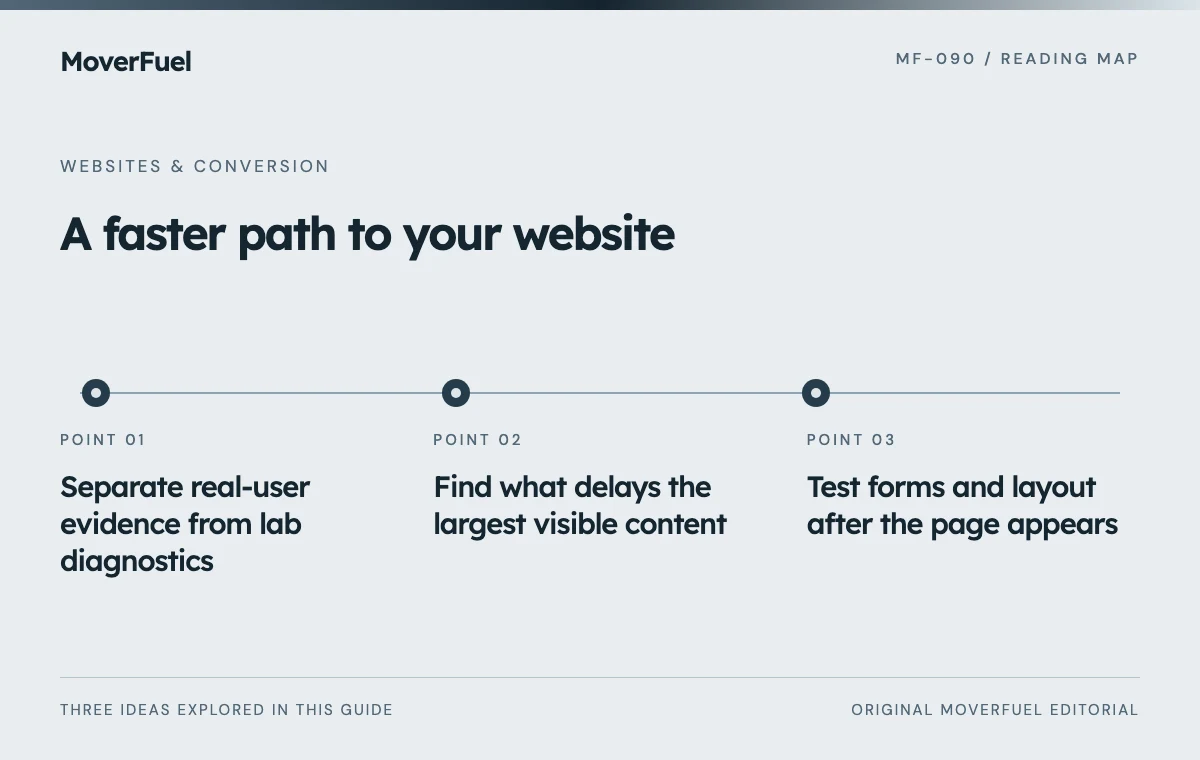
Separate real-user evidence from lab diagnostics
Google’s current Core Web Vitals are Largest Contentful Paint, Interaction to Next Paint and Cumulative Layout Shift. The good thresholds are LCP at or below 2.5 seconds, INP at or below 200 milliseconds and CLS at or below 0.1, evaluated at the 75th percentile with mobile and desktop considered separately. [1]
Scroll the table horizontally to compare all columns.
| Evidence type | Useful for | Limitation |
|---|---|---|
| Field data | Understanding actual user experience over a reporting period | May be unavailable or slow to reflect a recent release |
| Controlled lab test | Reproducing and diagnosing specific loading problems | Does not represent every user or interaction |
| Interaction test | Finding delays in forms, menus and widgets | A short test does not establish field INP |
| Visual regression | Checking that a repair preserves layout and appearance | Does not prove commercial improvement |
Record URL, device configuration, network conditions, tool version and test time. Repeat under comparable conditions when evaluating a change. A single score from an unusually fast or slow run should not determine the development plan.
Find what delays the largest visible content
Inspect which element is identified as the largest contentful paint and when its resources become available. It may be an image or text. Separate server response, resource discovery, download and rendering delays before choosing a fix.
Review the image path without changing the approved composition
Check whether the image is appropriately sized and encoded, whether the browser discovers it promptly and whether loading behavior matches its importance. A large above-the-fold image should not be treated like a decorative image far down the page. Verify the actual request timeline rather than adding preload hints indiscriminately.
If text is delayed, inspect fonts and rendering dependencies. If the resource downloads quickly but appears late, investigate blocking styles or main-thread work. Compressing an already small image will not fix a delay caused elsewhere.
Scroll the table horizontally to compare all columns.
| Observation | Investigation |
|---|---|
| Slow initial response | Server work, caching and delivery path |
| Important resource discovered late | HTML, CSS or script dependency that hides it |
| Large download | Dimensions, encoding and responsive asset choice |
| Resource ready but paint delayed | Rendering work, blocking styles or scripts |
Test forms and layout after the page appears
Open navigation, choose a move date, type into the form and submit invalid input. Watch for delayed feedback and long tasks. Third-party chat, tracking and scheduling tools should be evaluated for their actual cost and business value rather than kept by default.
Reserve space for images and embedded components so content does not jump as they load. Check whether notices, validation messages or widgets move the primary action unexpectedly. A layout can look perfect in a final screenshot while being frustrating during loading.
Keep necessary accessibility and form behavior intact while reducing code. Removing validation, focus handling or error feedback to improve a score creates a different user-experience defect.
Make a bounded repair and test the full inquiry path
Choose a change tied to the observed bottleneck. Save the baseline, implement the repair and compare under the same conditions. Check desktop and mobile screenshots, navigation, form delivery and tracking behavior. Scope style changes so unrelated approved sections do not shift.
Use the quote-form reliability checklist when performance work touches the intake flow. A faster page that loses inquiries is not an improvement.
Document unsuccessful experiments as well as successful ones. If an image optimization does not improve LCP because rendering remains blocked, retain that finding and investigate the next bottleneck instead of claiming the target was achieved.
Monitor the release with honest limits
Re-run relevant lab tests after deployment and follow field data as it becomes available. Compare qualified inquiry outcomes separately, accounting for traffic and campaign changes. Faster rendering alone does not prove a particular revenue increase.
Maintain a performance budget for future media, scripts and widgets. Require new integrations to justify their cost and test them on the actual mobile journey. Performance is easier to preserve when each addition has an owner.
Report unresolved targets explicitly. If lab LCP remains above the goal, say so and identify the remaining bottleneck. Do not substitute a high overall score for passing every Core Web Vital or claim field performance from a local test.
Common questions
Does a Lighthouse score prove Core Web Vitals pass for real users?
No. Lab diagnostics and field evidence answer different questions. Use the actual field metrics and reporting scope when making a real-user claim.
Must a slow homepage hero be redesigned?
Not automatically. Diagnose delivery and rendering first. Many repairs can preserve the approved image, typography and layout, but every change should be measured and regression-tested.
Your next step
Measure the bottleneck, make a focused repair and verify both performance and function. Preserve approved design where possible and report remaining limits without turning a score into a guarantee.
Sources & editorial notes
Platform claims cite the documents below. Operating frameworks and labeled examples are MoverFuel editorial analysis, not client results or industry benchmarks.
- web.dev: Web VitalsCurrent LCP, INP and CLS thresholds, 75th-percentile evaluation and distinction between field measurement and lab diagnostics. Triage workflow is original engineering guidance. Reviewed .