
A missing service page in search can have several causes: it may be inaccessible, intentionally excluded, duplicated elsewhere or simply not selected for indexing. A technical audit should narrow those possibilities with evidence before anyone rewrites the copy or promises a ranking repair.
 View full-size graphic ↗
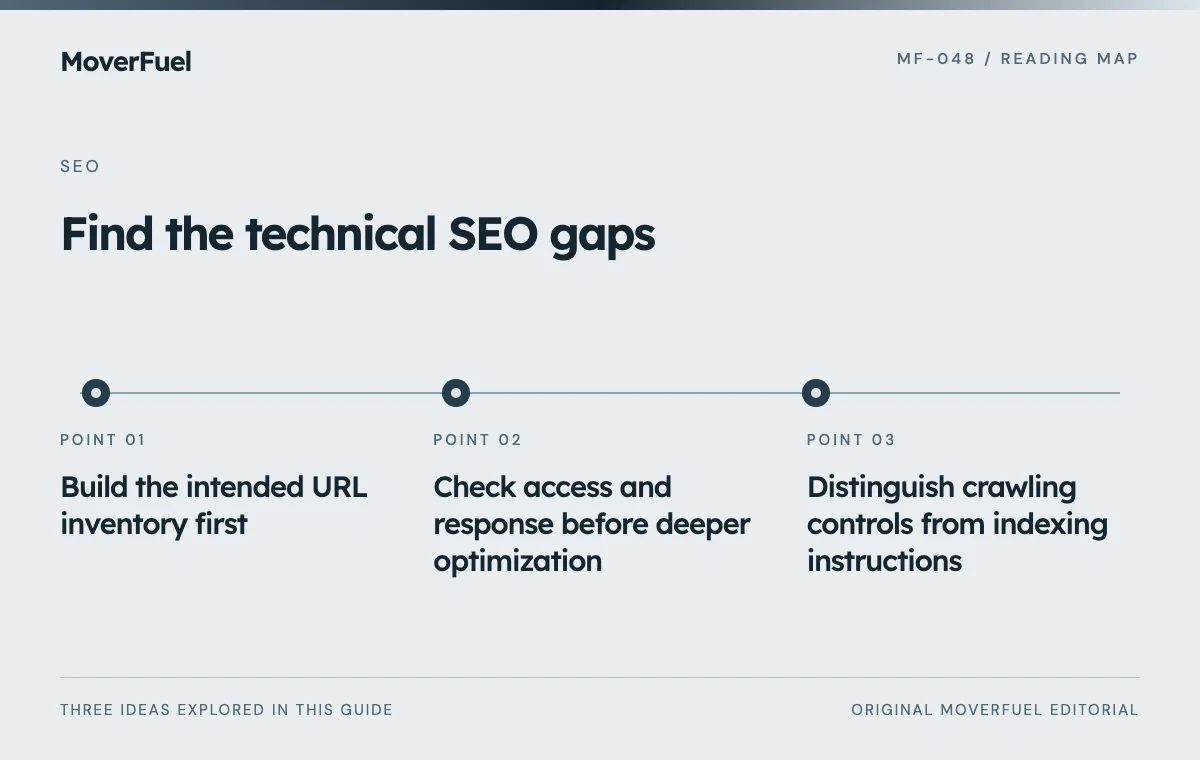
Build the intended URL inventory first
List public service pages, legitimate location pages, guides and conversion destinations. Add known old URLs, redirects and utility pages. For each route, record whether it should be public and indexable, public but excluded from search, redirected or unavailable.
This intent column prevents false alarms. A draft article returning 404 may be correct; a live packing-services page returning the same response is a defect. A technical tool cannot know the difference without the publishing plan.
Scroll the table horizontally to compare all columns.
| Field | Example purpose |
|---|---|
| URL and page role | Identify the affected service or resource |
| Expected behavior | State the intended response and indexing status |
| Observed evidence | Save status, directive, rendered content or test output |
| Business impact | Explain which customer path is affected |
| Owner and repair | Assign the responsible implementation task |
| Retest date and result | Show that the defect was actually corrected |
Check access and response before deeper optimization
Google’s minimum technical requirements include crawler access, a successful response and indexable content. Meeting them creates eligibility, not a guarantee of indexing. A page that works for a signed-in administrator may still be inaccessible to a public crawler. [1]
Test important URLs without administrative credentials. Inspect the actual HTTP response, redirect destination and final page. Check that a removed route does not show a generic error message while falsely presenting itself as a normal useful page.
Review deployment changes around the time a problem began. A staging access rule, accidental authentication requirement or server failure can affect many pages at once. Repair the access defect before assuming every page independently needs more text.
Distinguish crawling controls from indexing instructions
Google must be able to crawl a page to see its noindex directive. Blocking that URL in robots.txt can prevent the directive from being read, and a URL can still appear in results under some circumstances. Do not treat disallow and noindex as interchangeable controls. [2]
Check preferred URLs across the template
Inspect canonical declarations, sitemap entries and internal links for consistency. A production page pointing to a staging domain is a concrete configuration problem. A group of near-identical URLs requires a deliberate preferred destination, not arbitrary canonical tags.
Google treats canonical declarations and redirects as signals and may select a different canonical. Use the method appropriate to whether a duplicate must remain accessible or is being retired. [3]
Verify the page a visitor and crawler actually receive
Check that the main service explanation, headings and navigation appear in rendered HTML. Test the mobile view, not only a desktop screenshot. A page can look complete in an editor while its published content depends on a failed script or inaccessible data request.
Follow links from the services hub to individual pages and back into relevant guides. Confirm that links resolve to real destinations rather than placeholder fragments or script-only controls. Test quote forms separately from the presence of a button; the path must work through validation, submission and truthful feedback.
Scroll the table horizontally to compare all columns.
| Template | Representative checks |
|---|---|
| Service page | Scope, heading, metadata, preferred URL and inquiry path |
| Location page | Real coverage, unique information and consistent business details |
| Article | Readable body, sources, related links and publication status |
| Archive | Crawlable pagination and actual article links |
| Conversion page | Accessible fields, validation and genuine submission handling |
Measure performance without confusing a score with a diagnosis
Record the device, network assumptions, URL and time of each lab test. Inspect the element responsible for loading delay and any layout movement. Large media, delayed discovery and unnecessary scripts call for different repairs; a low score alone does not identify the cause.
Compare lab findings with field experience when enough representative data exists. Keep image dimensions, readable text, keyboard access and mobile forms in the review. A technically crawlable page that customers cannot use still fails the business.
The website conversion guide helps connect technical observations to the estimate-request experience.
Close defects with implementation evidence
Prioritize confirmed issues affecting important customer paths, then assign a focused repair. Preserve before-and-after evidence and test adjacent templates for regression. A canonical fix on one route may reveal the same configuration problem elsewhere.
Separate “the implementation now behaves correctly” from “Google has recrawled and reevaluated the page.” Search response can lag behind a repair and is not guaranteed. Report what was actually tested, what remains uncertain and the next observation needed.
If you need an SEO partner who fixes what the audit finds, ask for that evidence with every repair, from us or anyone else.
Common questions
Does a technically valid page have to be indexed?
No. Technical eligibility is necessary but does not guarantee selection or ranking. Diagnose access and directives accurately, then evaluate usefulness and duplication separately.
Should I fix every crawler warning at once?
Prioritize confirmed defects by impact. Some warnings describe intentional behavior or low-value details; each repair should have a business reason and a verification step.
Your next step
Audit against the intended publishing behavior, preserve evidence and retest the repair. Technical clarity prevents speculative changes to pages that may not be the source of the problem.
Sources & editorial notes
Platform claims cite the documents below. Operating frameworks and labeled examples are MoverFuel editorial analysis, not client results or industry benchmarks.
- Google: Search technical requirementsMinimum access/response/content requirements and indexing uncertainty. Reviewed .
- Google: block indexing with noindexCrawler access is required to see noindex; disallow is not equivalent. Reviewed .
- Google: canonical URL methodsCanonical signals and retiring duplicate URLs. Reviewed .