
A visitor reading about packing may next need to understand the packing service, prepare an inventory or request an estimate. Internal links should make those next decisions easy. The same relationships also help search systems discover pages and understand how the site is organized.
 View full-size graphic ↗
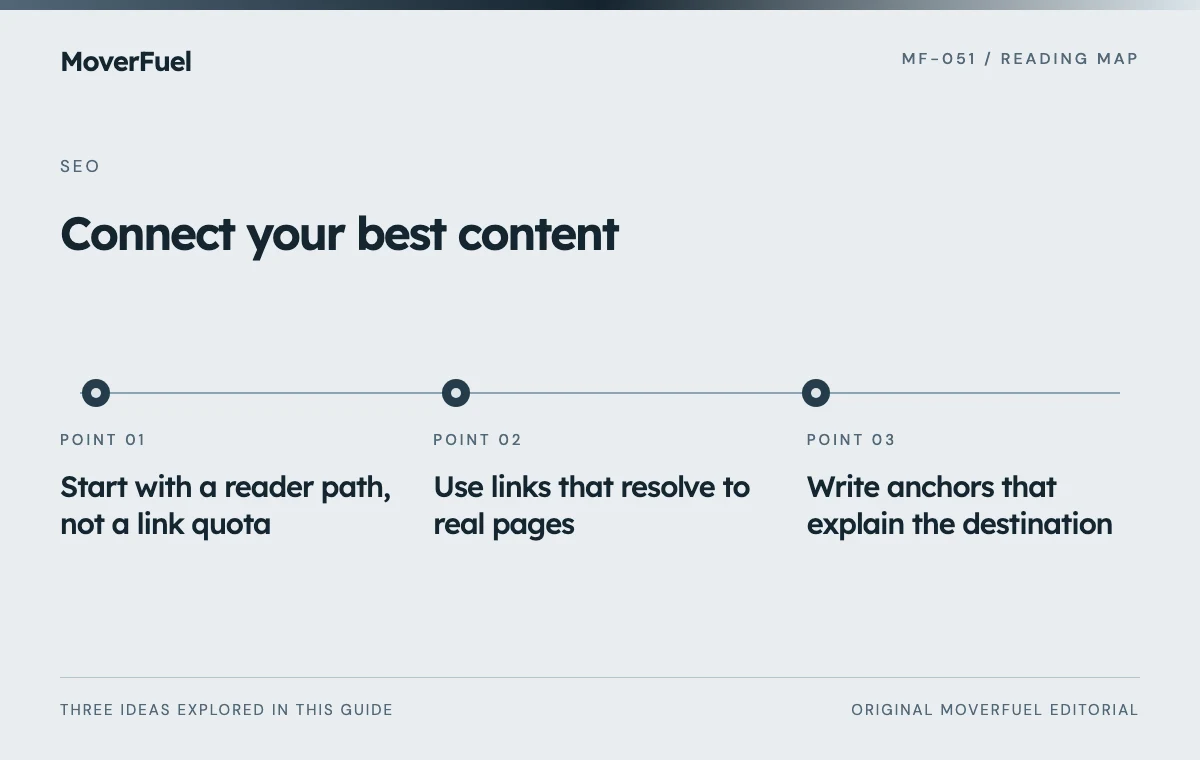
Start with a reader path, not a link quota
List the important destinations and the question each resolves. Separate commercial pages that explain a service from educational pages that help someone prepare or compare. Then identify where a reader would naturally need to move between them.
Scroll the table horizontally to compare all columns.
| Starting page | Useful next destination | Reason for the link |
|---|---|---|
| Packing preparation guide | Packing service explanation | Reader may decide to delegate the work |
| Residential moving service | Actual coverage information | Reader needs to check pickup suitability |
| Office relocation guide | Commercial moving service | Reader may need a planning conversation |
| Storage service | Storage-and-move planning guide | Reader needs to understand the sequence |
| Detailed service page | Estimate request | Reader is ready to discuss a real job |
A page can have several helpful next steps, but each should earn its place. A fixed rule such as “add ten links to every article” can create irrelevant interruptions. Choose links because the destination resolves a specific question.
Use links that resolve to real pages
Google generally extracts crawlable links from anchor elements with href attributes that resolve to web addresses. Script-only interactions are not a reliable substitute. Check the rendered implementation, especially when navigation comes from a visual page builder or custom component. [1]
Open the destination and confirm its status. A link that leads to a draft, an obsolete route or a generic error page is not useful simply because it appears in the HTML. Keep conversion links connected to the actual request page rather than a proposed URL that was never implemented.
Keep the intended and implemented URL maps aligned
For a growing site, maintain a route inventory shared by content and development. Record planned pages separately from public pages. Scheduled related content should not become a public broken link before the destination exists.
If an old article URL is preserved during an expansion, update the editorial map to that real route. Do not create a duplicate article merely to satisfy a cleaner-looking slug in a planning document.
Write anchors that explain the destination
Use concise, descriptive text that fits the sentence. A reader should understand what opens without relying on surrounding design. “Packing service options” is clearer than a repeated “learn more” when several links appear close together.
Google recommends meaningful anchor text and context for links. That does not mean repeating an exact target phrase in every paragraph. Use natural wording that accurately describes the page and avoid packing unrelated keywords into the anchor. [1]
Scroll the table horizontally to compare all columns.
| Weak pattern | More useful approach |
|---|---|
| Several identical “click here” links | Describe each destination’s task |
| An entire paragraph linked | Link the concise phrase that identifies the destination |
| A city name linked to unrelated content | Choose a page that actually explains that coverage |
| A promised calculator leading to a contact form | Describe the real action or implement the promised tool |
Review the experience on mobile and with keyboard navigation. Links should remain distinguishable and focusable. Do not rely on a hover-only explanation to reveal where an important action leads.
Find pages that have no useful route in
Compare the route inventory with a crawl from the main navigation and relevant hubs. An article listed in a sitemap but absent from useful browsing paths may be difficult for visitors to discover. Identify why the page exists and which parent or related page should introduce it.
Use category archives and pagination that expose real article links. Avoid making a large resource library accessible only through a search field or a client-side filter whose results have no reliable URL path. Test the pages that appear beyond the first archive screen.
Repair the graph when content changes
When two pages are consolidated, update links to the surviving destination and preserve relevant old fragments where practical. Check redirects for loops or unnecessary chains. A redirect can preserve a route transition, but it should not become an excuse to leave every internal reference stale.
Review shared navigation and footer links carefully because a mistake there can appear on many pages. Keep broad navigation understandable; use contextual content links for specific reader questions rather than filling the footer with every keyword variation.
The technical SEO audit explains how to record route defects and retest repairs across templates.
After an update, test both discovery and usability: can a visitor find the relevant service, return to the guide and complete the next step? Search optimization is stronger when the same structure helps a real customer move through the site.
Common questions
How many internal links should each article contain?
There is no universal quota. Include links that resolve the reader’s next questions and keep important pages connected through a sensible hierarchy.
Is sitemap inclusion enough to make an article discoverable?
A sitemap can support discovery, but it does not replace useful browsing paths for visitors. Maintain crawlable archive, hub and contextual links to public articles.
Your next step
Connect pages according to reader decisions, use actual crawlable destinations and maintain the relationships when URLs or content change.
Sources & editorial notes
Platform claims cite the documents below. Operating frameworks and labeled examples are MoverFuel editorial analysis, not client results or industry benchmarks.
- Google: crawlable linksCrawlable anchor/href implementation and meaningful contextual anchor text. Reviewed .